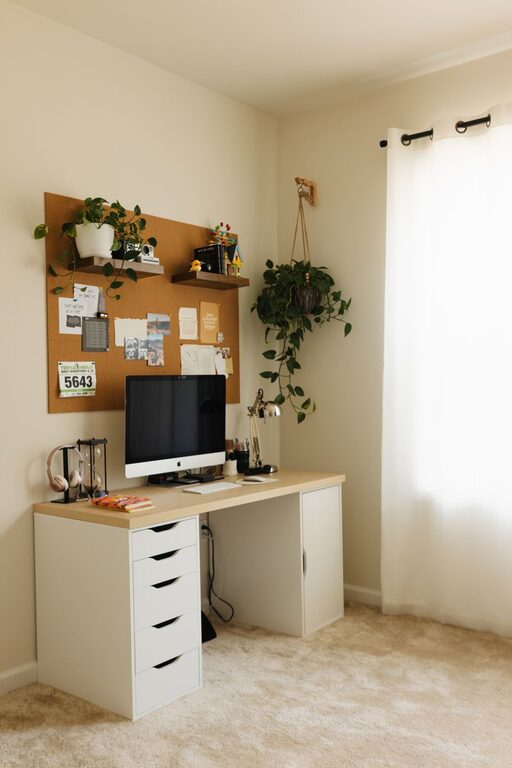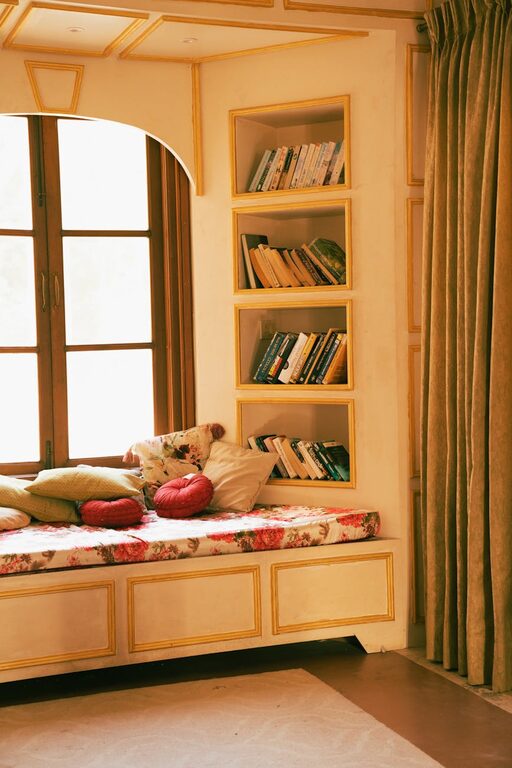



Creating a productive home office environment can significantly improve your work efficiency and overall well-being. Whether you’re working from home full-time or occasionally, setting up a dedicated and comfortable space is essential. In this guide, we’ll explore useful tips to help you design a home office that fosters concentration, organisation, and motivation.
Choose the Right Location
Find a Quiet Space
Select a spot in your home where distractions are minimal. Ideally, this should be away from high-traffic areas like the living room or kitchen. A quiet corner, spare room, or even a section of your bedroom can work well, as long as you can focus there.
Consider Natural Light
Natural light helps reduce eye strain and boosts mood. Position your desk near a window if possible, but avoid glare on your computer screen. If natural light is limited, invest in good quality artificial lighting that mimics daylight.
Invest in Comfortable and Functional Furniture
Ergonomic Chair and Desk
A supportive chair that encourages good posture is key to avoiding back or neck pain. Your desk should be the right height to keep your arms and wrists comfortable while typing. Adjustable chairs and desks can help tailor your setup to your body.
Desk Organisation
Choose a desk with enough surface area to fit your computer, paperwork, and any other tools. Consider accessories like desk organisers, trays, or shelves to keep everything tidy and within reach.
Minimise Clutter and Organise Your Space
Declutter Regularly
Clutter can be distracting and stressful. Keep only what you need on your desk and store the rest in drawers or cabinets. Regularly clear out unnecessary papers and items.
Use Storage Solutions
Boxes, filing cabinets, and shelves can help you organise documents and office supplies. Label containers clearly so you can find things quickly when needed.
Create a Routine to Boost Productivity
Define Work Hours
Set clear start and finish times for your workday. This routine helps maintain a work-life balance and signals to others when you’re not to be disturbed.
Take Breaks
Schedule regular breaks to rest your eyes, stretch, and move around. Short pauses can increase your energy levels and prevent burnout.
Minimise Distractions
Manage Noise
Use noise-cancelling headphones or play soft background music to reduce distracting sounds. Alternatively, white noise machines can help mask household noises.
Limit Digital Interruptions
Turn off non-work-related notifications on your devices during work hours. Consider apps or settings that block distracting websites when you need to focus.
Personalise Your Workspace
Add Inspiring Touches
Decorate with items that motivate you, such as plants, artwork, or photos. Personalising your space can improve your mood and creativity.
Keep a Comfortable Temperature
Make sure your home office is neither too hot nor too cold. The right temperature helps maintain concentration and comfort.
Use Technology to Stay Connected and Efficient
Reliable Internet Connection
A fast, stable internet connection is vital for virtual meetings, research, and online collaboration.
Maintain Updated Hardware and Software
Ensure your computer, printer, and software are up to date to avoid technical issues that can interrupt your workflow.
Prioritise Wellbeing
Invest in Good Lighting
Besides natural light, consider adjustable desk lamps to reduce eye strain, especially during early mornings or late evenings.
Incorporate Movement
If possible, try a sit-stand desk to alternate between sitting and standing throughout the day. Regular movement supports circulation and reduces sedentary behaviour risks.
—
By applying these tips, you can create a home office environment that supports your productivity and wellbeing. Remember, your workspace should be tailored to your personal preferences and work needs, making it a place where you feel comfortable, focused and motivated.